1. Trend radar chart view
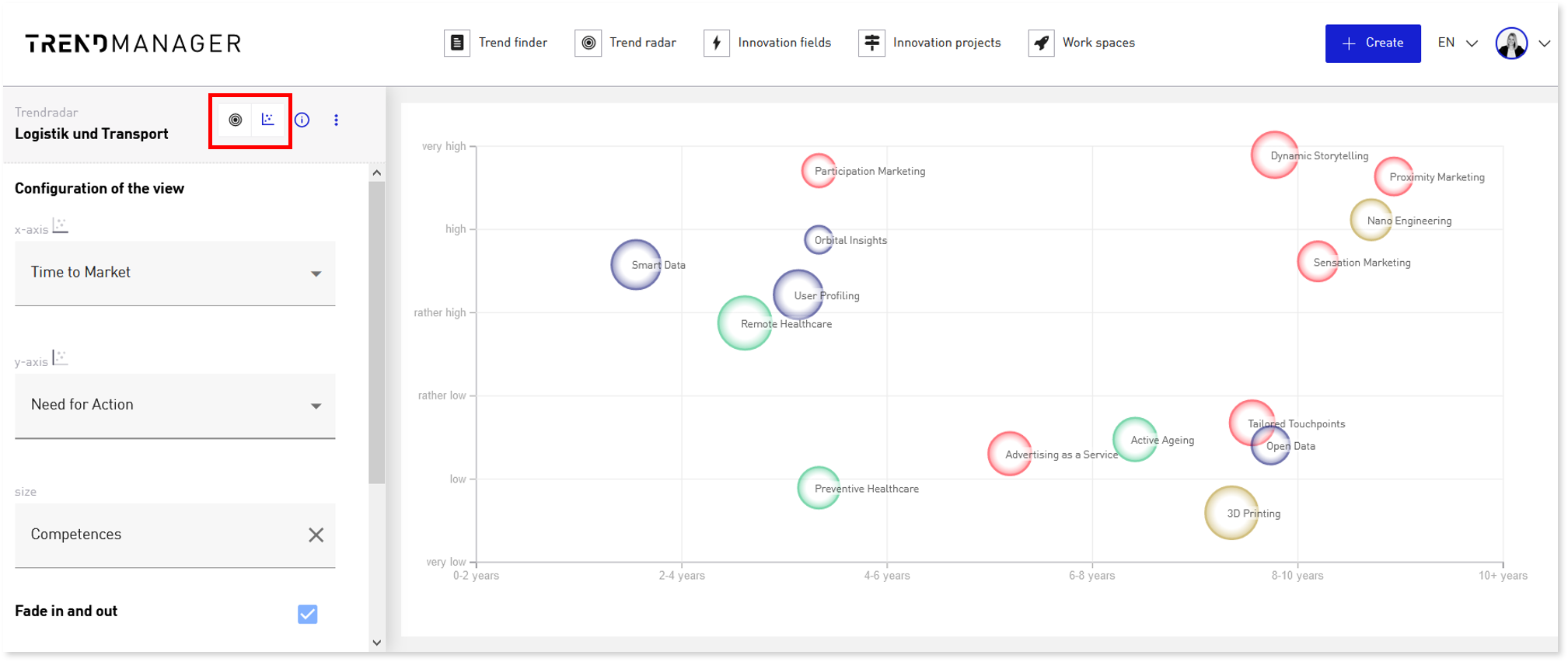
Switch to the chart view in the trend radar view. Here you can configure the view according to your needs by assigning the desired criteria to the axes and using a crtierium to visualize the sizes.
2. Pin micro-trends to relevant macro-trends
If you identify micro-trends that represent particularly good practices for a macro-trend, users in the roles of Manager and Admin can pin these micro-trends to a macro-trend.
The pinned micro-trends are highlighted as “selected micro-trends” on the detail page of the macro-trend and thus show the employees of your company which practical examples are particularly descriptive for the macro-trend under consideration.
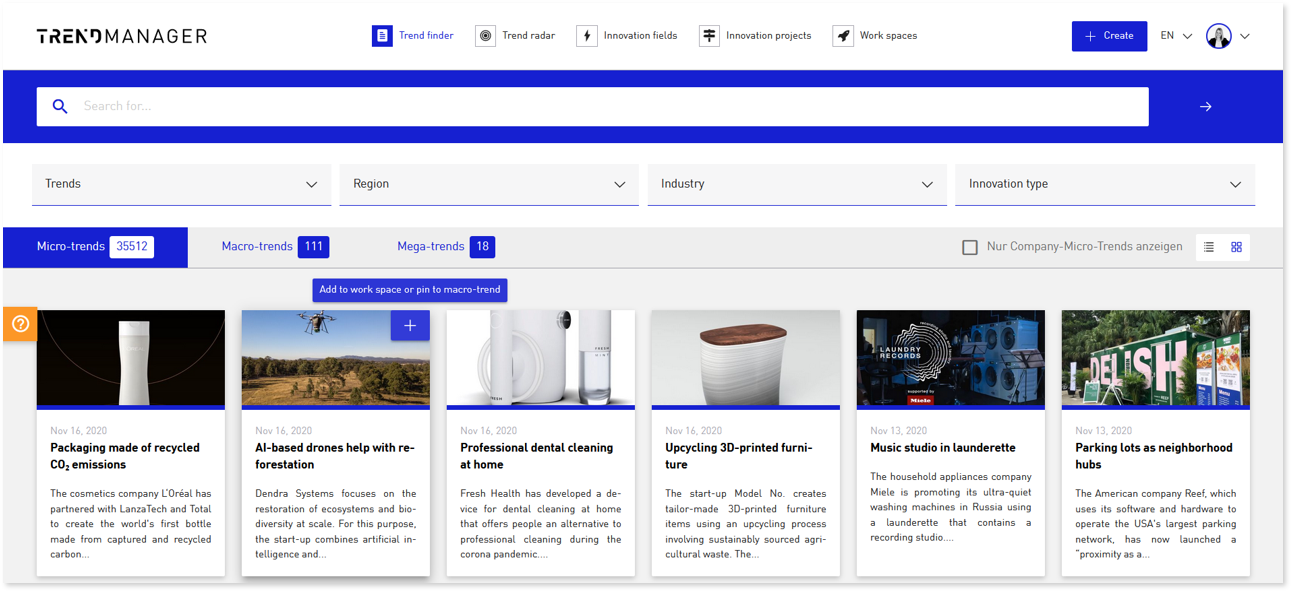
To pin a micro-trend to a macro-trend, click on the plus icon in the tile or on the micro-trend detail page and select the “macro-trend” option. Now you can select the desired macro-trend and create the link.
3. Trend radar export
By clicking on the download icon on the trend radar view, you can now download the trend radar as a PowerPoint presentation or PDF. The presentation includes description pages for the recommendations for action Act, Prepare and Watch, as well as the detailed pages for the macro-trends.
