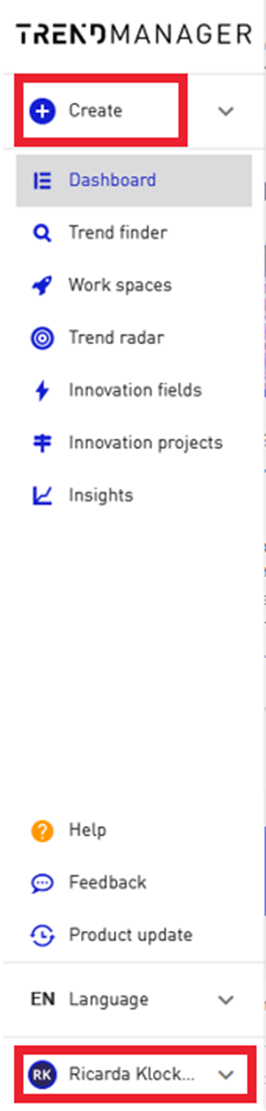
Optimization of the navigation architecture
The main navigation in the trend manager is now located on the left side. The option to collapse the navigation and only show the menu icons frees up space in the tool for displaying the trends and your elements. The blue plus will take you to all the components that you and your team can create independently in the tool.
By clicking on your avatar, you can access your account management as well as the administration area for the manager licenses. Here you can manage the trend universes and your own company trends.